
This document is the operating instructions for Panasonic integrated telephone model KX-TSC11W KX-TSC11B. The document includes detailed instructions for basic operation preparation and advanced operation.
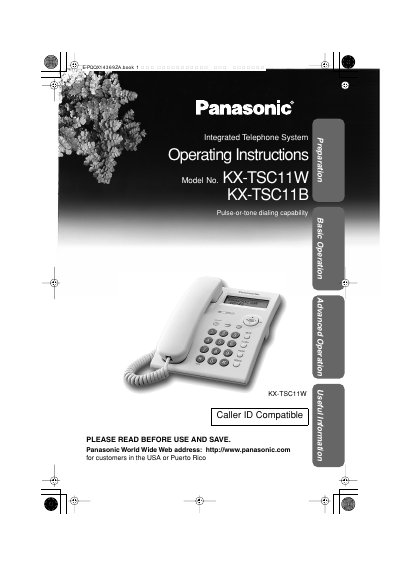
This manual provides operating instructions for the Panasonic KX-TSC11W and KX-TSC11B integrated telephone systems. It covers essential tasks such as installing batteries, connecting handsets, and adjusting display settings like time, date, and contrast. The guide also details how to use advanced features including Caller ID, Call Waiting, Voice Mail, and the Phone Book.
| Power Source | From 3 AA (R6, UM-3, LR6) batteries |
|---|---|
| Dimensions | Approx. 96 mm x 150 mm x 200 mm |
| Mass | Approx. 550 g (1.21 lb.) |
| Dialing Mode | Tone (DTMF)/Pulse |
| Operating Environment | 5 ˚C – 40 ˚C (41 ˚F – 104 ˚F) |
The unit requires three high quality 'AA' size Alkaline (LR6) or Manganese (R6, UM-3) batteries.
Yes, but if your unit is connected to a PBX which does not support Caller ID services, you cannot access those specific services.
The unit will automatically exit the programming mode.