
This document is the user manual for KX-TSC14B/KX-TSC14W telephone
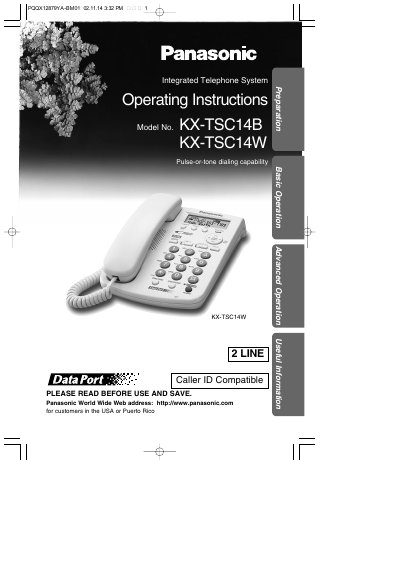
This manual provides operating instructions for the Panasonic KX-TSC14B and KX-TSC14W integrated telephone systems. It covers essential setup procedures including connecting the handset, AC adaptor, and telephone line cords. The guide details how to use basic functions such as making and answering calls on two lines, utilizing speakerphone features, and adjusting display settings like LCD contrast and ringer volume.
| Dialing Capability | Pulse-or-tone dialing capability |
|---|---|
| Line Support | Two lines (KX-TSC14W supports Caller ID) |
| Handset Volume Levels | 4 levels (1–4) while using the handset |
| Speakerphone Volume Levels | 12 levels (1–12) |
You must use only a Panasonic AC Adaptor, Order No. KX-TCA1-G.
No, you must use only a Panasonic Handset for the KX-TSC14B or KX-TSC14W.
The unit will work as a standard telephone on Line 1, but Caller ID, speakerphone, line indicators, and the LCD display will not function.
The REN is 1.0B for Line 1 and 0.2B for Line 2.