
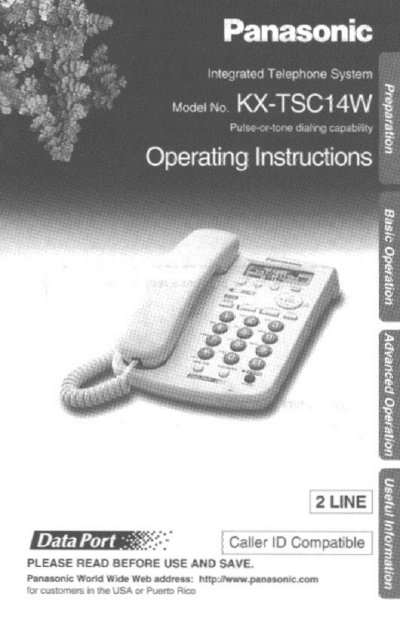
Panasonic KX-TSC14W Integrated Telephone Operating Instructions


Panasonic KX-TSC14W Integrated Telephone Operating Instructions - cover page
Brand
Panasonic
Category
Telephone
Document type
User Manual
Language
English
Pages
52
File format
PDF
File size
1.1 MB
Published
06 August, 2012
Updated
06 August, 2012
MD5 checksum
A19D0D36DCEFD018C8A08CAC155192C6

About this manual

This manual provides operating instructions for the Panasonic KX-TSC14W integrated telephone. It covers initial setup, including connecting the handset and AC adaptor, and adjusting display settings like contrast and time. The guide details how to make and answer calls, use the two-line feature, and manage calls with the FLASH and CALLWAIT buttons.

What's inside

  • Location of Controls
  • Display
  • Settings
  • Connecting the Handset
  • Making Calls
  • Answering Calls
  • Caller ID Service
  • Speed Dialer
  • Voice Mail Service
  • Important Safety Instructions

Specifications

Power SupplyAC 120 V, 60 Hz
Included AccessoriesAC Adaptor, Handset, 4-Wire Telephone Line Cord
Handset CompatibilityPanasonic Handset KX-TCA1

Frequently asked questions

What happens during a power failure?

The unit works as a standard telephone on Line 1, but Caller ID, speakerphone, line indicators, and LCD display will not work.

What is the temperature range for the unit?

Do not place the unit in a room where the temperature is less than 5°C (41°F) or greater than 40°C (104°F).

Download PDF (1.1 MB)

More Panasonic Manuals


View all Panasonic manuals →