
The manual describes the functions of the XL-MP150 microcomponent system, including system connections and remote control installation.
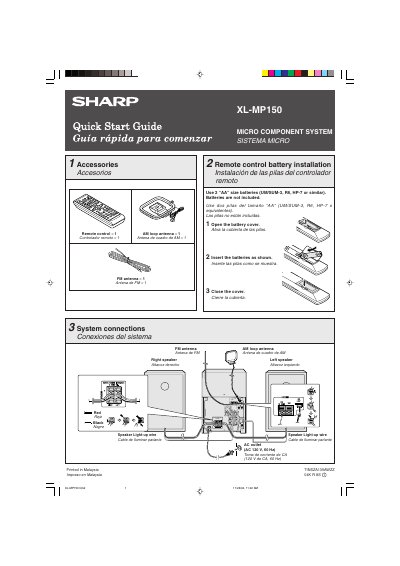
The document is a bilingual (English/Spanish) quick start guide for the Sharp XL-MP150 Micro Component System. It details the included accessories such as remote controls and antennas, and explains how to install batteries in the remote control.
The guide covers system connections, including wiring diagrams for speakers and AC power. It also provides step-by-step instructions for turning on the unit, canceling the demonstration mode, playing CDs from multiple trays, and listening to FM/AM radio or cassette tapes.
| Power Requirements | AC 120 V, 60 Hz |
|---|---|
| Remote Control Batteries | 2 "AA" size batteries |
Press the X-BASS (SURROUND)/DEMO button to cancel the demonstration mode.
Press the TUNING button. If held for more than 0.5 seconds, scanning starts automatically.