
This document is an instruction manual for the electronic cash register ER-A347A. The manual provides instructions and operating methods for using this product.
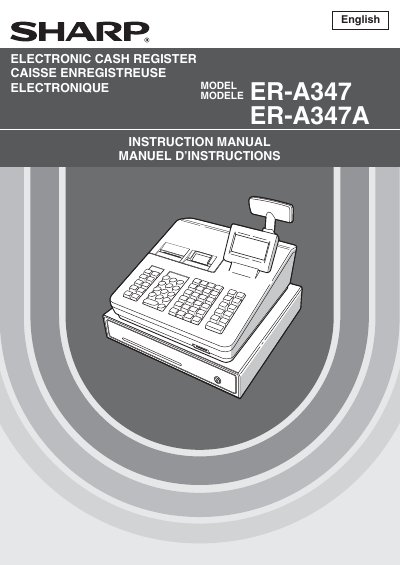
This manual provides comprehensive instructions for the Sharp ER-A347 and ER-A347A electronic cash registers. It covers essential topics including parts identification, selecting operating modes, making various types of entries (sales, refunds, corrections), and utilizing special printing functions. The guide also details how to enter the manager mode for overrides and how to read or reset sales totals using X and Z reports.
| Power Supply | 120V AC |
|---|---|
| Device Class | Class A digital device |
These numbers are located on the right side of the unit.
It is recommended to allow the unit to recharge for 24 to 48 hours prior to use.
No, users should call their local authorized dealer for service and not try to repair it themselves.