
This document is the instruction manual for the SHARP POS Terminal Model UP-700. It provides information on FCC regulations, safety warnings, operating instructions, and purchase records of the equipment.
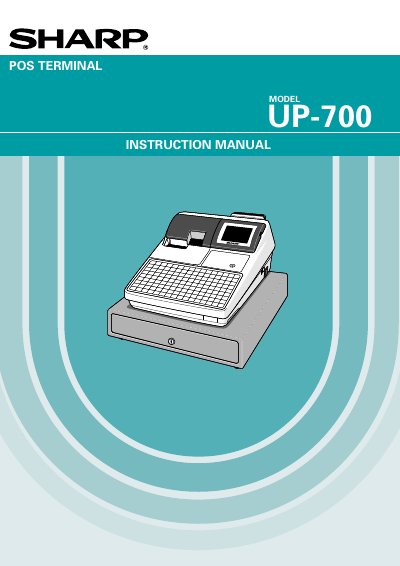
The document serves as a comprehensive user guide for the Sharp UP-700 POS Terminal. It covers essential safety precautions, hardware descriptions including the display, keyboard, and printer components, and detailed instructions on proper installation and initial setup procedures such as charging the internal battery pack.
The manual details extensive operational capabilities of the terminal, including item entry methods (single, repeat, split-pricing), various transaction types like cash, check, credit, and food stamp processing, tax calculations, and refund handling. It also provides step-by-step instructions for programming the device to manage articles, departments, PLUs/UPCs, discounts, gratuity, and custom text printing.
The unit plugs into any standard wall outlet providing 120V AC with a dedicated earth-ground.
It is recommended to allow the unit to charge for 24 to 48 hours prior to customer use.
The device contains a Nickel Metal Hydride Battery that must be disposed of properly.