
This document is the instruction manual for the electronic cash register model ER-A247A, which describes the features, functions, and operation methods of the product.
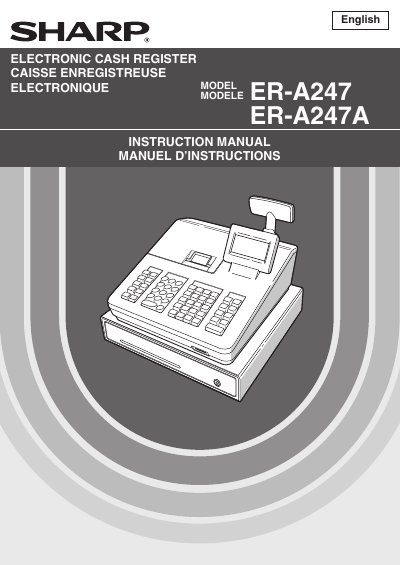
This document serves as the instruction manual for the Sharp ER-A247 and ER-A247A Electronic Cash Registers. It provides comprehensive guidance on operating modes, making entries such as item sales and tax calculations, and performing corrections or voids. The guide also details how to enter Manager Mode for programming functions like department/PLU setup, media keys, and report configurations.
| Power Supply | 120V AC |
|---|---|
| Battery Type | Alkaline batteries LR6 (AA size) |
Install the cash register in a location not subject to direct sunlight, unusual temperature changes, high humidity or splashing water.
No. If the register malfunctions, call your local authorized dealer for service and do not try to repair it yourself.
Two alkaline batteries LR6 (AA size) must be installed after initializing the register.