
This is a user manual for PLC-SU31 Multimedia Projector, which includes information on how to use the product and precautions.
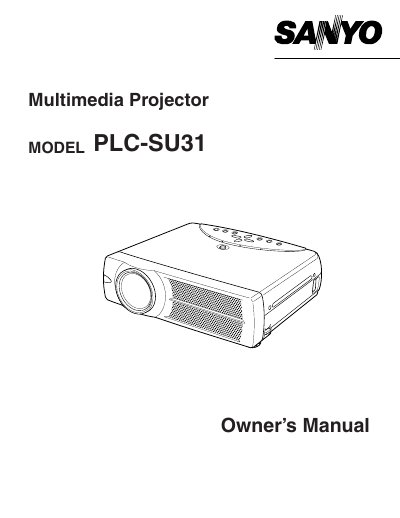
This document is the Owner's Manual for the Sanyo PLC-SU31 Multimedia Projector. It begins with safety precautions and warnings regarding fire hazards, electric shock, and proper ventilation to ensure safe operation. The manual advises users to read the instructions thoroughly before operating the device and to retain the manual for future reference.
You must maintain a minimum distance of 50 cm on the top, sides, and rear of the projector to allow for air circulation and cooling.
You should not use liquid or aerosol cleaners on the projector; instead, use a damp cloth for cleaning.
You should unplug the projector from the wall outlet during a lightning storm or when it is left unattended and unused for long periods of time.