
This document is the user manual of PLC-SU32 multimedia projector, which introduces the use methods, precautions, etc. of the product.
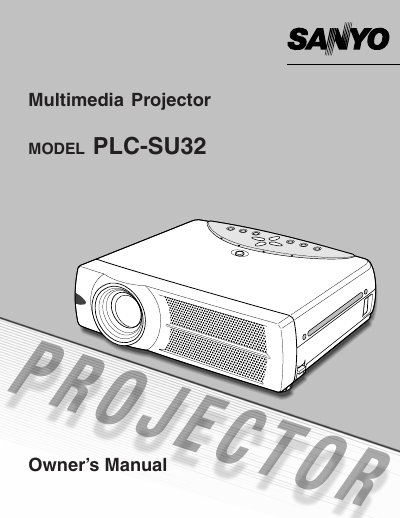
This document is the Owner's Manual for the Sanyo PLC-SU32 Multimedia Projector. It provides essential information on operating the device safely to prevent fire hazards or eye damage from the intense projection light.
The manual details specific safety instructions regarding ventilation requirements, proper placement away from moisture and heat sources, and handling of the remote control's laser pointer function. It also outlines compliance with FCC regulations and includes guidelines for power cord usage in different regions.
Do not stare directly into the projection lens because it produces intense light that can cause eye damage.
A minimum distance of 50cm must be maintained on the top, sides, and rear of the projector.
The remote control emits a laser beam for 1 minute while pressing the LASER button.