
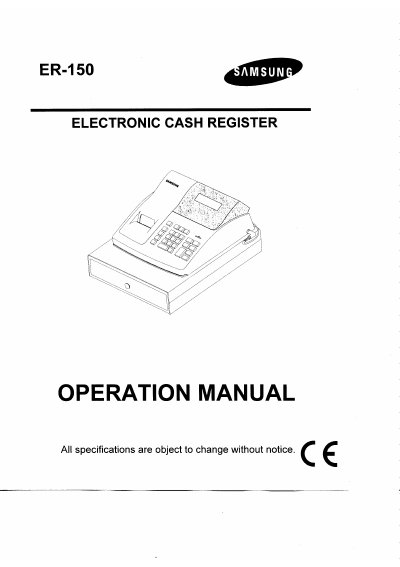
This document provides operation instructions for the PSAMSUN ER-150 electronic cash register. It details initial setup procedures including unpacking, battery installation, memory clearing, and paper loading. The guide explains how to establish security codes for Z and P modes and describes various key functions such as no-sale entries, department operations, discounts, and tendering.
| Dimensions | 325 mmW x 420 mmL x 225 mmH |
|---|---|
| Net Weight | 5.0 kg |
| Drawer Weight | 3.3 kg |
| Mode Key Positions | 5 (OFF, R, X, Z, P) |
| Keyboard Type | Rubber Contact Type |
| Number of Keys | 26 |
| Print Speed | 2.2 LINE / SECOND |
| Display Capacity | 9 DIGITS |
| Power Consumption (Max) | 8W |
Switch the mode lock to the "X" position, press No Sale (#/NS), enter the four digit code, and then press the RA key.
The batteries must be changed once a year to assure continuous battery back-up protection.
No, re-inking the roller can cause damage to the printer and void the warranty; it must be replaced when print becomes faint.