
This is an instruction manual for the 401014 indoor/outdoor thermometer. The thermometer can display the indoor and outdoor temperature, as well as the maximum and minimum temperature.
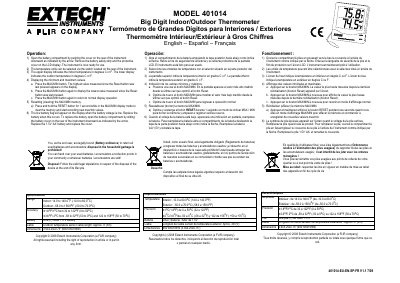
The Extech 401014 is a thermometer designed to measure both indoor and outdoor temperatures. To begin operation, open the rear battery compartment by sliding the cover downward, remove the safety strip and LCD protective film, and select the desired temperature unit (Celsius or Fahrenheit) using the switch on the back.
| Accuracy (32-122°F / 0-50°C) | ±1.8°F/1°C |
|---|---|
| Battery Type | One (1) 'AAA' 1.5 V battery |
| Sensor Cable Length | Approx. 9' (3m) |
Select the units via the switch located on the rear of the instrument.
Press the MAX/MIN button once to see the highest value, press it again for the lowest value.
Press and hold the RESET button for 1 second while in the MAX/MIN display mode.