
Introduced 42265 temperature data logger kit, 42275 temperature and humidity data logger kit and SW276 data logging software hardware and software operations
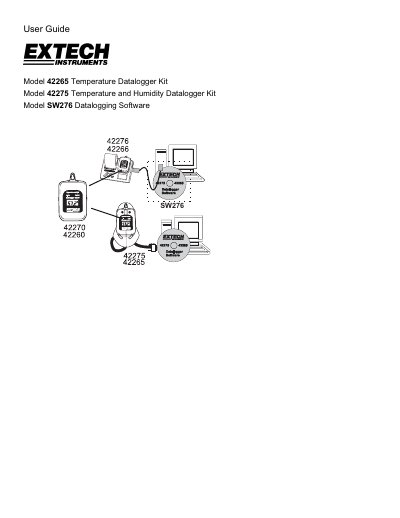
This user guide provides instructions for installing and operating the Extech SW276 Windows TM Datalogging Software. It covers hardware operation for Model 42265 (Temperature) and Model 42275 (Temperature and Humidity), as well as software-only usage for other models like the 42280.
The manual details how to install the software and USB drivers, navigate the main screen interface, configure datalogger settings such as sample rates and alarm limits, and manage data retrieval and file saving.
| Maximum Data Points (42270/42275) | 16,000 readings |
|---|---|
| Maximum Data Points (42265) | 8,000 readings |
| Default High Alarm Temperature | 85 C |
| Default Low Alarm Temperature | -40 C |
| Default High Alarm Humidity | 100% |
They can be used to monitor temperature in greenhouses, warehouses, food transports, aircraft cabins, refrigerated trucks, containers, museums, and HVAC equipment.
The datalogger module display will not switch on until it is activated by the software in the LOGGER SET menu.
The defaults are a High Alarm of 85 C, Low Alarm of -40 C, High Humidity of 100%, and Low Humidity of 0%.