
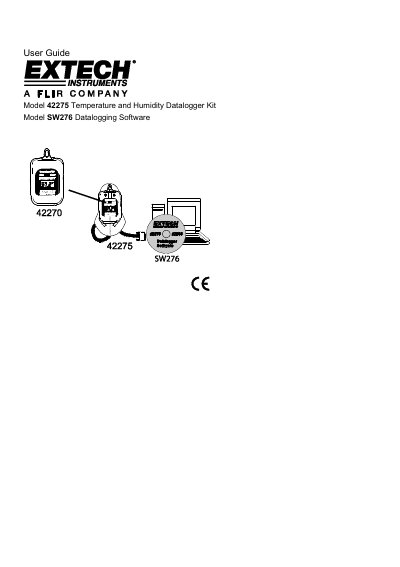
This document provides a user guide for Extech Instrument's datalogging instrumentation and software. It covers the hardware and software operation of Model 42275 Temperature and Humidity Datalogging Module and SW276 WindowsTM Software. It also covers the software and some hardware operation of Model 42270 Temperature and Humidity Datalogging Module, with a separate manual provided for detailed hardware operation. The datalogging modules can be used to monitor the temperature of greenhouses, warehouses, food transports, aircraft cabins, refrigerated trucks, containers, museums, and HVAC equipment. The modules can store 16,000 readings that can be transferred to PC or directly printed using the Model 42276 Programmer/Printer.
The Extech Model 42275 is a datalogging module designed to monitor temperature and relative humidity in various environments such as greenhouses, warehouses, food transports, aircraft cabins, refrigerated trucks, containers, museums, and HVAC equipment. The device features an LCD display with status indicators for recording, alarms (high/low limits), and communication with a PC.
| Storage Capacity | 16,000 readings (8000 temperature and 8000 %RH) |
|---|---|
| Sampling Rate Range | 1 second to 12 hours |
| Data Points Options | 1000 / 2000 / 4000/ 8000 / 12000 / 16000 |
| Default High Alarm Temperature | 85 C |
It can be used to monitor greenhouses, warehouses, food transports, aircraft cabins, refrigerated trucks, containers, museums, and HVAC equipment.
Connect the datalogger to a PC, select Magnetic start, enter an ID if desired, press OK, then pass a strongly magnetized object by the bottom of the datalogger.
The default sample rate is 2 seconds.