
Extech 39240 Waterproof Thermometer can measure the temperature range of -40 to 200 °C, with an accuracy of ±1 °C. It can measure water temperature, room temperature, etc., and is suitable for home and laboratory.
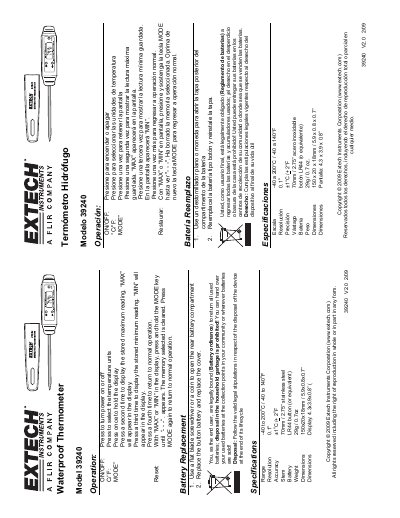
This document provides operating instructions for the Extech Model 39240 waterproof thermometer. It explains how to turn the device on and off, switch between Celsius and Fahrenheit units, and view or reset stored maximum and minimum temperature readings using the MODE key. The guide also covers battery replacement procedures and notes on battery disposal regulations. This manual is written in Spanish.
| Range | -40 to 200°C / -40 to 140°F |
|---|---|
| Resolution | 0.1°C |
| Accuracy | ±1°C / +2°F |
| Stem | 70mm / 2.75" stainless steel |
| Battery | LR44 button (or equivalent) |
| Weight | 29g / 0.7oz |
| Dimensions | 150x20x18mm / 5.9x0.8x0.7" |
Press the C/˚F key to select the desired temperature unit.
Press the MODE key a second time to display the stored maximum reading.
With “MAX” or “MIN” displayed, press and hold the MODE key until “- - -” appears.