
Extech SDL310 Thermo-Anemometer Datalogger User's Guide
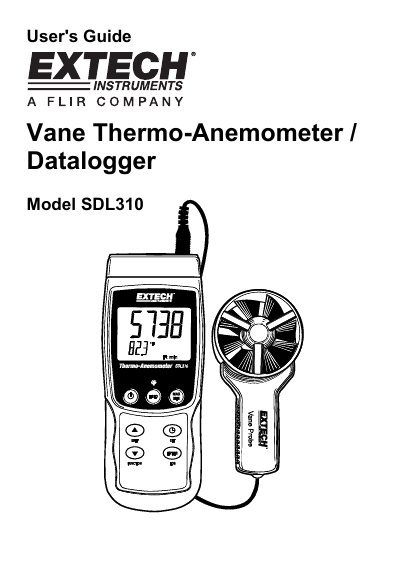
The Extech SDL310 is a portable thermo-anemometer datalogger that displays and stores air velocity and temperature readings. It features a built-in vane probe and supports external Type K or J thermocouple temperature probes. Data is stored on an SD card or streamed to a PC via an RS232 port.
| Supported SD Card Sizes | 1G size up to 16G |
|---|---|
| Thermocouple Types | Type K or J |
| Air Velocity Units | m/s, FPM, Km/h, knots, mph |
| Temperature Units | °C and °F |
| Manual Datalogging Capacity | up to 99 readings |
| Automatic Datalogging Capacity | Up to 99 spreadsheet documents (each with 30,000 readings) |
Power the meter by pressing and holding the power key for at least 1.5 seconds.
The meter supports externally connected Type K or J thermocouple temperature probes.
Press and hold the LOG key for at least 1.5 seconds, then press it momentarily to log the reading.