
JVC LT-37X776 LT-32X776 LT-26X776 user manual

This User Guide describes the functions and usage of JVC LCD flat television LT-37X776, LT-32X776, LT-26X776.
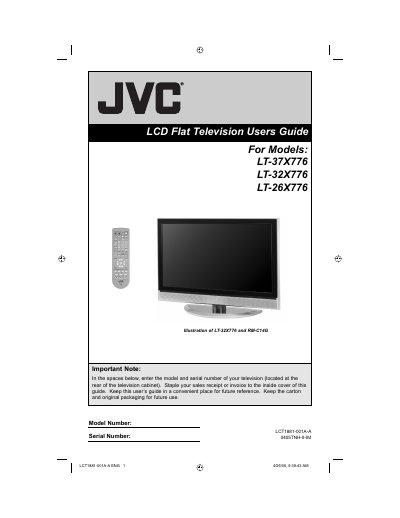

JVC LT-37X776 LT-32X776 LT-26X776 user manual - cover page
Brand
JVC
Category
Television
Document type
User Manual
Language
English
Pages
88
File format
PDF
File size
2.2 MB
Published
13 July, 2012
Updated
30 September, 2023
MD5 checksum
92E54611807F2FF39B8DB22821020DEC

About this manual

This manual covers the JVC LT-32X776 LCD flat television, including models LT-37X776 and LT-26X776. It details safety precautions, unpacking, and initial setup procedures such as connecting devices and configuring the remote control. The guide also explains how to use the onscreen menu system for picture and sound adjustments, as well as specific features like the Multi Screen Function and Twin mode.

What's inside

  • Important Safety Precautions
  • Unpacking your TV
  • Using the Stand
  • Connecting Your Devices
  • Interactive Plug In Menu
  • Onscreen Menu System
  • Picture Settings
  • Sound Settings
  • Troubleshooting
  • Specifications

Frequently asked questions

How should you clean the television screen if it is very dirty?

Wipe it with a cloth dipped in diluted kitchen cleaner, wring it out, and then wipe immediately with a clean, dry cloth.

Download PDF (2.2 MB)

More JVC Manuals


View all JVC manuals →