
This is a user guide that provides instructions and safety precautions for the JVC LT-32WX84 model LCD flat television. The document includes the model and serial number of the product and emphasizes the importance of not exposing the TV to rain or moisture and following safety rules to prevent electric shock.
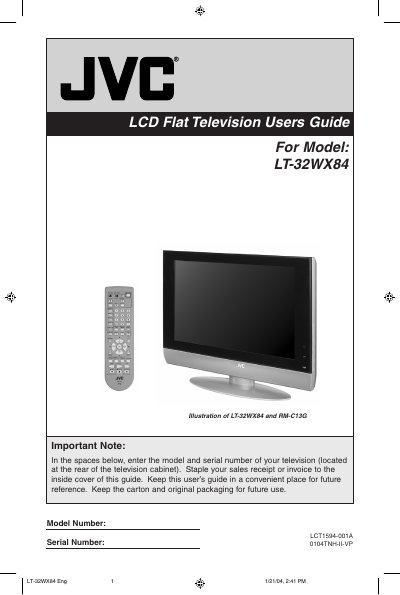
The JVC LT-32WX84 is an LCD flat panel television designed for home entertainment. This manual covers unpacking the unit, connecting external devices such as cable systems, VCRs, and DVD players, and utilizing the remote control features.
Detailed instructions are provided for configuring the on-screen menu system, including auto-tuner setup, picture adjustments (such as Digital Noise Clear and Color Management), sound settings, and various display functions like Multi Screen and Aspect Ratio selection.
This product contains a fluorescent lamp that includes a small amount of mercury.
Use a soft, non-scratching duster for dusting. If wiping is necessary, use a soft cloth slightly moistened with water or mild liquid detergent.
Displaying fixed images for extended periods of time can leave a subtle but permanent ghost image known as "burn-in".