
JVC LT-40FH96 LCD Flat Television User's Guide

This manual introduces the use of JVC LT-40FH96 TV model.
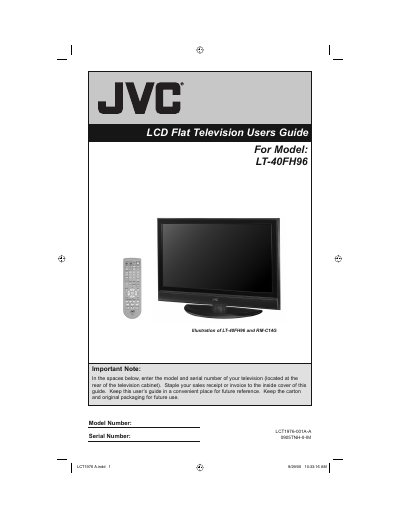

JVC LT-40FH96 LCD Flat Television User's Guide - cover page
Brand
JVC
Category
Television
Document type
User Manual
Language
English
Pages
96
File format
PDF
File size
3.9 MB
Published
13 July, 2012
Updated
30 September, 2023
MD5 checksum
96D93AF490127B58757B0FCD5D2CF027

About this manual

This document serves as the official user's guide for the JVC LT-40FH96 LCD Flat Television. It covers essential safety precautions, unpacking instructions, and detailed setup procedures including connecting devices and configuring the interactive plug-in menu. The guide also explains how to use the onscreen menu system for picture and sound adjustments, as well as various viewing features like Multi Screen and V-Chip.

What's inside

  • Important Safety Precautions
  • Unpacking your TV
  • Getting Started
  • Using the Stand
  • Connecting Your Devices
  • Interactive Plug In Menu
  • Onscreen Menu System
  • Picture Settings
  • Sound Settings
  • Troubleshooting

Specifications

Product TypeLCD Flat Television

Frequently asked questions

What should I do if I need to repair the TV myself?

Do not attempt to repair it yourself or remove the rear cover. Refer servicing to qualified service personnel.

Can I use an extension cord with this TV?

No, do not use this polarized plug with an extension cord unless the blades can be fully inserted to prevent blade exposure.

Download PDF (3.9 MB)

More JVC Manuals


View all JVC manuals →