
This document describes the components, instructions, and precautions of the COMPACT COMPONENT DVD SYSTEM DVD EX-A3 and EX-A3X.
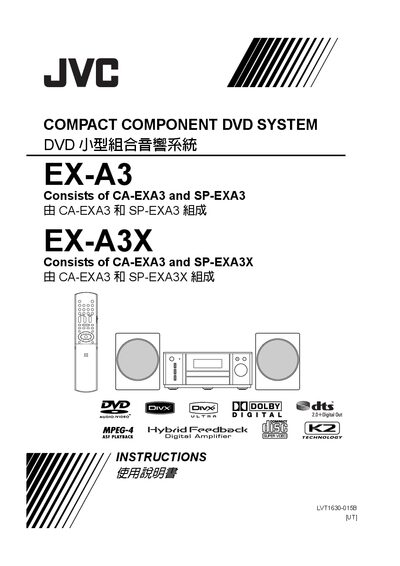
This manual covers the JVC EX-A3 Compact Component DVD System, which consists of the CA-EXA3 main unit and the SP-EXA3 speaker module. It guides users through safe installation, connection of antennas, speakers, TV, and other audio devices, as well as basic operation and playback features.
Key sections include safety precautions, ventilation requirements, remote‑control setup, wiring diagrams, detailed operation of DVD playback, audio settings, and a troubleshooting guide with error codes and solutions. Technical specifications of the system are listed at the end of the document. This manual is written in Chinese.
| Power Supply | 110 V |
|---|---|
| Operating Power Consumption | 28 W |
| Standby Power Consumption | 1.0 W |
| Output Power | 80 W (40 W + 40 W) 4Ω (1 kHz, THD 10 %) |
| Dimensions (W×H×D) | 245.6 mm × 103.8 mm × 283 mm |
| Weight | 3.8 kg |
| USB Compatibility | USB 2.0 Full‑Speed |
| Audio Output Impedance | 500 mV / 47 kΩ |
Press the F button does not cut the mains; to fully shut off power you must disconnect the mains plug, which also turns off the standby lamp.