
This manual describes the operating methods and precautions for the PDP42H2W Multimedia Plasma Monitor.
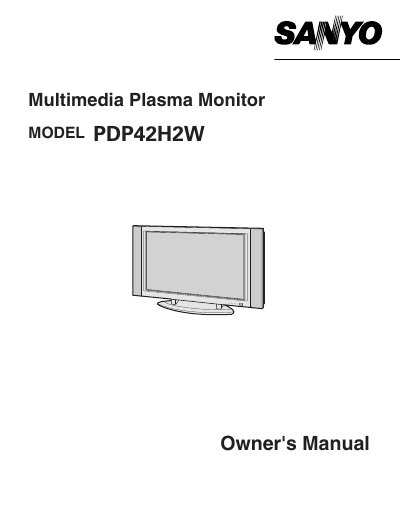
The Sanyo PDP42H2W is a multimedia plasma monitor designed to connect with various video equipment and computers. This owner's manual guides users through initial setup, including connecting power cords and peripheral devices like VCRs or computers.
The document details the operation of the remote control unit and the on-screen menu system for adjusting picture settings such as brightness, contrast, and color. It also covers sound adjustments, screen savers to prevent image retention, and troubleshooting common issues.
| Input Voltage | 100-120 V AC |
|---|
Turn the Plasma Monitor on and leave it on about 1 hour. These dots will gradually disappear.
No, do not open or remove covers as dangerous voltage is present inside; refer servicing to qualified personnel.