
Pentair IntelliChlor Optical Reader User's Guide

This user guide provides instructions on how to use the IntelliChlor Optical Reader
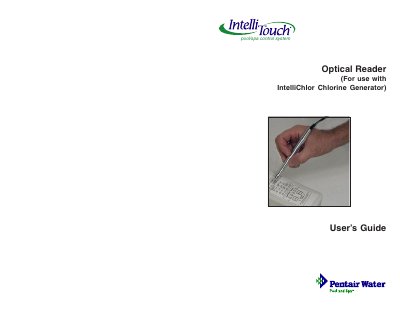

Pentair IntelliChlor Optical Reader User's Guide - cover page
Brand
Intel
Document type
User Manual
Language
English
Pages
6
File format
PDF
File size
360 KB
Published
12 July, 2012
Updated
30 September, 2023
MD5 checksum
60D3FC013E7B5995A459B273312EA085

About this manual

The IntelliChlor diagnostic optical reader is a wireless device used to retrieve stored operating data from an IntelliChlor chlorine generator to a PC or PDA. It allows users to determine if parts need replacement or if the cell has performed to specification by displaying metrics such as total cell hours, number of reversals, and production settings.

What's inside

  • Introduction
  • Connecting the Optical Reader to the PC
  • Using a Serial RS-232 DB9 connector on the PC
  • Using a USB port connection on the PC
  • Setting up Tera Term
  • Using the Optical Reader to Retrieving Data

Frequently asked questions

What software is required to use the optical reader with Windows XP or 2000?

The optical reader operates using Tera Term software, a terminal program included with the IntelliChlor optical reader kit.

How do you connect the optical reader if the PC does not have an RS-232 DB9 connector?

You can use a USB to Serial adapter, install the driver, plug the reader into the adapter's serial connector, and then plug the USB connector into the PC.

What data is retrieved from the IntelliChlor cell?

The device retrieves total cell hours, number of reversals, reverse setting, production setting, salt setting, and various hour counters for specific conditions.

Download PDF (360 KB)

More Intel Manuals


View all Intel manuals →