
This document is the Pentair Pool Products IntelliTouch Quick Start Guide, which introduces the system requirements, installation steps, and usage methods of the product.
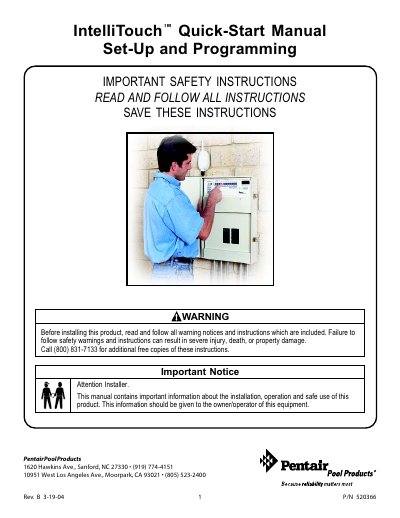
The document serves as a quick start manual for the Pentair IntelliTouch system, specifically designed for wired-only installations with one expansion center. It guides installers through essential setup procedures to ensure the system is properly configured for homeowner use before operation begins.
Key steps covered include checking the load center functionality, setting up and testing the indoor control panel, configuring the clock and daylight savings settings, assigning circuit names based on physical labels, and programming advanced features such as circuit functions and freeze protection.
This guide is for wired-only systems with only one expansion center, or multiple iS10s configured to the same circuits.
Read and follow all warning notices and instructions included in the manual to prevent severe injury or property damage.
You must enable the 'No' label setting to 'Yes' separately for both the Pool circuit and the Spa circuit in the Advanced menu.