
Pentair IntelliTouch Personality Kit Installation Guide

This manual describes how to install IntelliTouch personality kits
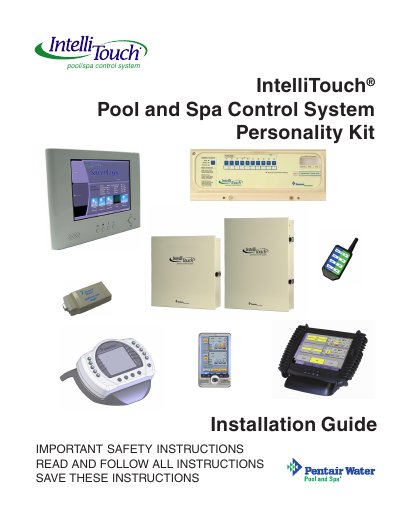

Pentair IntelliTouch Personality Kit Installation Guide - cover page
Brand
Intel
Category
Other
Document type
Installation Guide
Language
English
Pages
46
File format
PDF
File size
4.9 MB
Published
12 July, 2012
Updated
30 September, 2023
MD5 checksum
D7F2DE79E0F1DCC19FD247DAFD840AD8

About this manual

This document serves as an installation guide for the Pentair IntelliTouch Pool and Spa Control System, specifically focusing on the Personality Kits. It provides detailed steps for installing various interface kits, including the PC Interface (iTC15), Personal Digital Assistant (PDA) (ITC25), In-Wall Touch Screen (iTC35), and Digital Wireless Tablet (iTC45). The guide covers tools required, accessory equipment, plumbing requirements, and equipment location considerations.

What's inside

  • IMPORTANT SAFETY PRECAUTIONS
  • IntelliTouch System Overview
  • IntelliTouch Personality Kits
  • PC Interface (iTC15 Kit)
  • Personal Digital Assistant (PDA) (ITC25 Kit)
  • In-Wall Touch Screen (iTC35 Kit)
  • Digital Wireless Tablet (iTC45 Kit)
  • Installing the Outdoor Control Panel
  • Installing the Indoor Control Panel
  • System Start-Up

Frequently asked questions

What is the maximum water temperature allowed for safe use?

Water temperature in excess of 100 degrees Fahrenheit may be hazardous to your health.

What is the minimum distance required between the control system and the inside wall of the pool or spa?

Install the system a minimum of five feet from the inside wall of the pool and spa.

What is the maximum supply conductor current allowed at 125 VAC?

The maximum supply conductor current must be 125 Amps at 125 VAC.

Download PDF (4.9 MB)

More Intel Manuals


View all Intel manuals →