
This guide describes how to install the ScreenLogic Wireless Connection Kit.
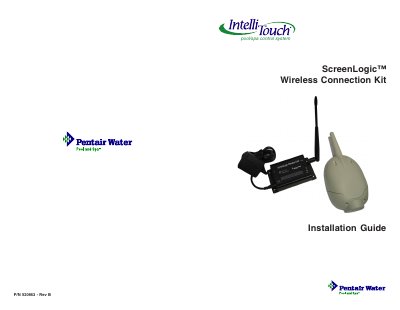
This guide provides step-by-step instructions for installing the Pentair ScreenLogic Wireless Connection Kit (P/N 520663). The kit enables a wireless connection between the IntelliTouch Load Center and the ScreenLogic Protocol Adapter, eliminating the need for hardwired connections from inside the home to the equipment pad. The installation involves mounting an outdoor wireless transceiver near the load center and connecting an indoor wireless transceiver to the Protocol Adapter.
| Frequency | 900 Mhz |
|---|---|
| Outdoor Transceiver Cable Length | 10 foot |
| Indoor Transceiver Cable Length | 1 ft. |
| Ethernet Cable Distance Limit | 300 feet |
| Four-wire Cable Distance Limit | 1500 feet |
| Minimum Mounting Height | 5 ft. |
| Minimum Distance from Load Center | 10 feet |
The kit includes one indoor wireless transceiver with an AC power adapter and a one-foot connection cable, one outdoor wireless transceiver with a 10-foot attached cable, and the installation guide.
Connect the cable using the following pin mapping: Red (Pin 4) to Red (Pin 1), Yellow (Pin 3) to Green (Pin 2), Green (Pin 2) to Yellow (Pin 5), and Black (Pin 1) to Black (Pin 6).