
Introduces the use of the IntelliChem™ Chemical Controller Firmware Upgrade Kit, including the installation of the upgrade program, firmware upgrade, and the use of the program after the firmware upgrade
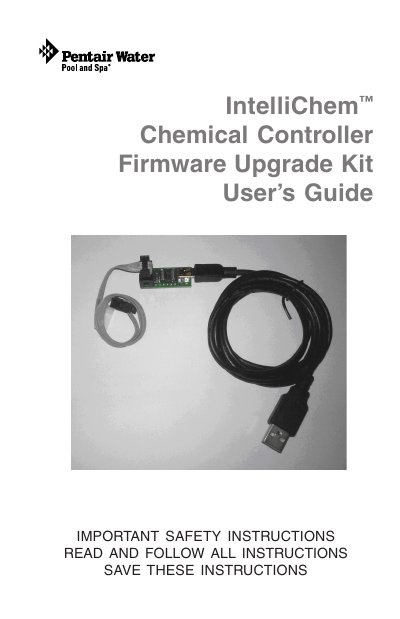
The document is a user manual for the Pentair IntelliChem™ Chemical Controller Firmware Upgrade Kit. It details the safety precautions, system requirements (Windows 7/Vista/XP SP3), and necessary hardware components included in the kit.
The guide provides step-by-step instructions for performing the firmware update. This includes disconnecting power to the controller, connecting the programmer ribbon cable to the ISP port on the circuit board, installing the driver software via CD-ROM, running the Setup Wizard, and finally reconnecting all cables and restoring power.
The system requires Windows 7, Windows Vista, or Windows XP with Service Pack 3.
Connect the 6-pin ribbon cable connector to the ISP port on the circuit board with the RED stripe toward the left side.
The IntelliChem unit will restart and display the new version number on the boot-up splash screen.