
The MOD-RS485 application is a RS-232 to RS-485 converter designed for use with any Windows 95 or later operating system.
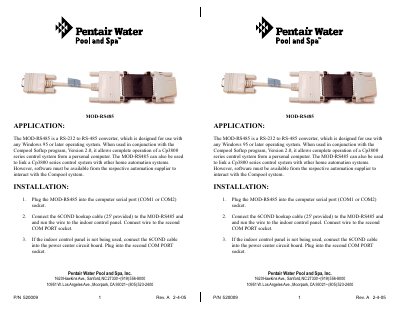
The MOD-RS485 is a converter designed to link a Cp3800 series control system with a personal computer running Windows 95 or later. When used with the Softep program, it allows complete operation of the control system from a PC or integration with other home automation systems.
To install the device, plug the MOD-RS485 into a computer serial port (COM1 or COM2). Connect the provided 6COND hookup cable to the adapter and run the wire to the indoor control panel's second COM PORT socket. If the indoor control panel is not in use, connect the cable into the power center circuit board instead.
| Function | RS-232 to RS-485 converter |
|---|---|
| Operating System | Windows 95 or later |
| Compatible Control Systems | Cp3830, Cp3820, Cp3810, Cp3800, Cp3600, or Cp3400 |
| Included Cable Length | 25 feet |
The device is designed for use with any Windows 95 or later operating system.
It is compatible with Cp3830, Cp3820, Cp3810, Cp3800, Cp3600, or Cp3400 control systems.