
This document introduces the installation instructions of intelligent communication center
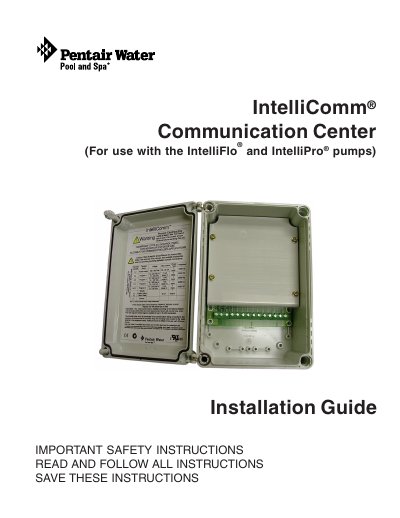
The document serves as an installation guide for the Pentair IntelliComm Communication Center. It outlines essential safety instructions, including requirements for licensed electricians and grounding procedures to prevent electrical shock. The guide specifies that the unit is designed for use with permanently installed pools and hot tubs marked for such use. This manual is written in Chinese.
| Power Requirements | Less than 1 amp draw |
|---|---|
| Input Voltage Range (AC) | 15 V AC to 240 V AC |
| Input Voltage Range (DC) | 15 VDC to 100 VDC |
| Communication Interface | Two wire RS-485 cable |
| Minimum Wire Gauge (20A source) | 12 AWG |
The unit must be installed by a licensed or certified electrician or a qualified pool serviceman in accordance with the National Electrical Code (NEC) and all applicable local codes.
The IntelliComm enclosure should be installed at the equipment pad at a maximum of 50 feet from the pump.
The communication center must be installed more than 8 ft. (2.44 m) from the pool edges.