
The Lowrance Hook² X Series Operator Manual provides operating instructions, settings, and maintenance guidance for the 4x GPS, 4x Sonar, 5x GPS HDI, and 7x…
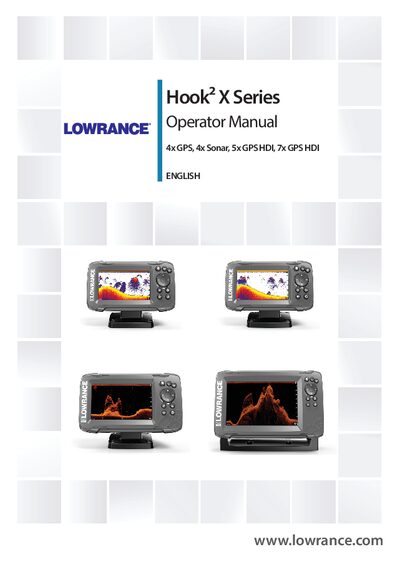
This manual explains how to operate the Hook² X Series units, covering front‑panel controls, GPS plotter functions, sonar and DownScan imaging, and navigation features such as waypoints, routes, and trails. It also details system settings, alarm handling, and basic troubleshooting.
Maintenance instructions include cleaning the display with a micro‑fiber cloth, checking connectors, and using the optional protective sun cover. The guide notes the required transducers for each model and compliance information.
| Transducer for 4x GPS/4x Sonar models | Bullet transducer (traditional sonar only) |
|---|---|
| Transducer for 5x GPS HDI models | SplitShot transducer (traditional sonar and DownScan) |
| CE compliance | 2014/53/EU Directive |
| Protective sun cover | Accessory sold separately |
The 4x GPS model requires the Bullet transducer, which provides traditional sonar functionality only.
Use a micro‑fiber or soft cotton cloth with plenty of water; wipe the screen gently and dry with the cloth.
No, Airmar transducers are not supported via the adapter cable.
The protective sun cover is sold separately as an accessory.