
Emerson F20 Electro Pneumatic Positioner Installation Guide

This document provides instructions for installing the TM VDE/VDI 3845 (NAMUR) 1.0 rotary actuator using the standard mounting kit acc. VDE/VDI 3845 (NAMUR). It also explains the steps for pneumatic connections using a standard (direct acting) installation.
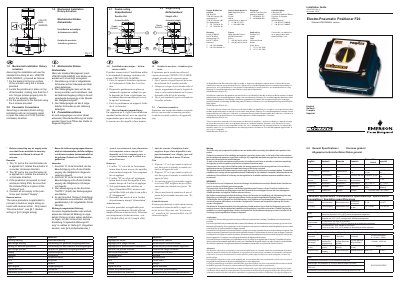

Emerson F20 Electro Pneumatic Positioner Installation Guide - cover page
Brand
Emerson
Category
Industrial Robot
Document type
Installation Guide
Language
English
Pages
2
File format
PDF
File size
1021 KB
Published
10 July, 2012
Updated
28 September, 2023
Model
F20
MD5 checksum
085DF4602BAFEFBBC0432E79FBCAEEE1

About this manual

This guide provides instructions for the mechanical installation of the Emerson F20 Electro pneumatic positioner on rotary actuators. It details the procedure for fixing the bracket to the actuator and locating the positioner, ensuring the 4mm tongue locates properly into the slot in the actuator spindle. The document covers both double-acting and single-acting configurations.

What's inside

  • Mechanical Installation
  • Pneumatic Connections
  • Factory setting
  • Split range setting
  • Setting of second positioner
  • Split range jumper
  • Supply
  • Exhaust
  • Damp
  • Zero

Frequently asked questions

What air quality is required before connecting the supply?

The available air must be clean, dry instrument air filtered to at least 25 microns.

What is the minimum size of the tongue that locates into the actuator spindle slot?

The positioner uses a 4 mm tongue to locate properly into its slot in the actuator spindle.

Where should an air supply be connected on the positioner?

Connect an air supply to the positioner port marked "Supply".

Download PDF (1021 KB)

More Emerson Manuals


View all Emerson manuals →