
This document provides instructions on how to connect the camera to a computer, advising users not to connect the USB cable before installing the provided software. It also introduces the accompanying software and user manual.
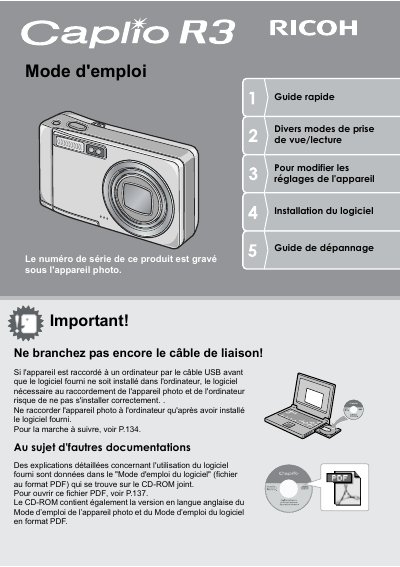
This document is the French user manual for the Ricoh Caplio R3 digital camera. It provides instructions on verifying packaging contents, installing batteries and SD cards, and setting up device preferences such as language and date.
The guide details various photography functions including fixed shots, macro mode at 1cm, scene modes, and video recording capabilities. It also explains how to view images on the LCD screen or via a teleprompter, delete files, and transfer data to computers using the provided USB cable and ImageMixer software. This manual is written in French.
The camera body is 26 mm thick.
The shutter response time is approximately 0.1 second.
The Macro mode allows focusing at a distance of 1 cm.