
This document provides instructions on connecting the camera to a computer, installing and using the software. It also includes a quick guide and troubleshooting information.
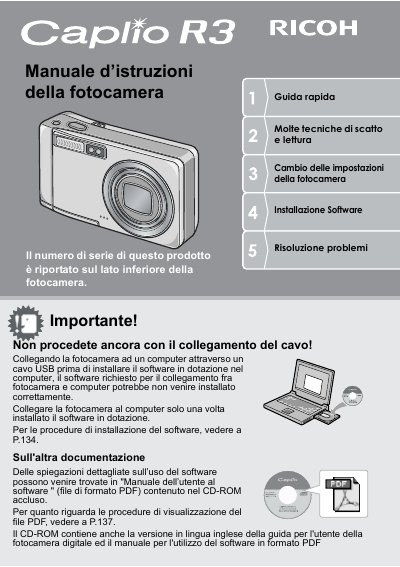
The document is a quick start guide and user manual for the Ricoh Caplio RZ series of digital cameras. It covers essential topics such as safety precautions, battery usage, and initial setup procedures like language selection and date setting.
The guide details various shooting modes, including macro photography with a 1 cm minimum distance, anti-shake correction, and scene modes. It also explains how to use the built-in flash, transfer images via USB cable to a computer using ImageMixer software, and print directly from the camera. This manual is written in Italian.
The camera has a compact body that is 26 mm thick.
The shutter response delay is approximately 0.1 seconds.
The macro function allows shooting subjects placed at a distance of only 1 cm.