
This document is a user manual for a product, providing instructions on how to properly connect the device, install the software, and detailed explanations on using the software.
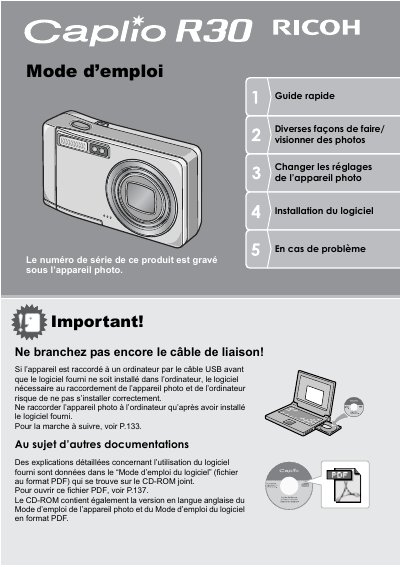
This document is a quick start guide and user manual for the Ricoh Caplio R30 digital camera. It provides instructions on initial setup, including battery installation and memory card usage, as well as safety precautions and copyright information.
The guide details various shooting features such as the 5.7x optical zoom, hybrid autofocus system, macro mode at 1cm, and scene modes. It also explains how to transfer images via USB cable or print directly, manage photos on the LCD screen, and use specific functions like tilt correction and video recording. This manual is written in French.
| Zoom optical | 5.7x (28 - 160 mm) |
|---|---|
| Macro distance | 1 cm |
| Flash range (Tele) | 14 cm |
| Flash range (Wide) | 20 cm |
| Video resolution | 320 x 240 pixels |
The serial number of this product is engraved under the camera.
No, do not connect via USB until the provided software is installed on the computer.
The camera uses an SD memory card.