
This document provides information on how to use the functions for taking and viewing photos of this product, as well as warnings about its use. Read this guide carefully before using the product to make the most of all its features.
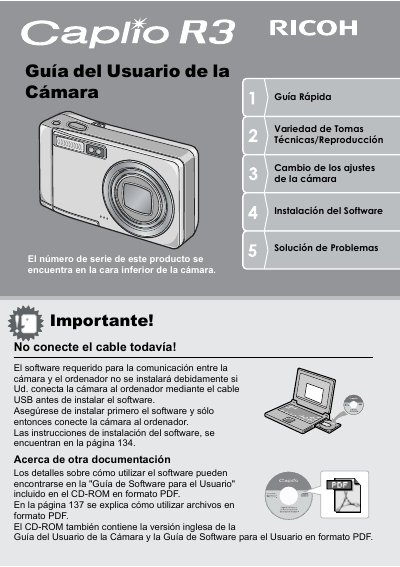
This document is the Spanish version of the user manual for the Ricoh Caplio R3 digital camera. It provides instructions on how to use the camera's functions to take and view photographs safely and effectively. The guide includes safety warnings, copyright information, and details about the product's warranty and radio interference. This manual is written in Spanish.
The serial number is found on the bottom of the camera.
The product has a thickness of 26 mm and includes an angular lens ranging from 28 to 200 mm.
The camera has a shot delay of approximately 0.1 seconds.