
This document is a camera instruction manual, which introduces the functions of camera shooting, playback and settings
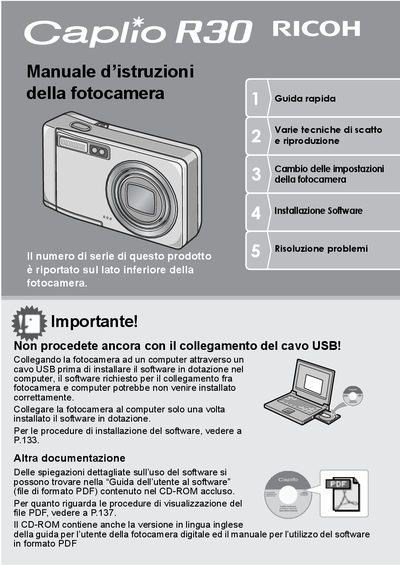
This manual provides instructions for the Ricoh Caplio R3G digital camera, including shooting and playback functions, safety precautions, and software installation. It features a wide-angle zoom lens with 5.7x magnification and a compact 26mm body design. Key capabilities include macro shooting at 1cm, high-speed shutter response, and hybrid autofocus technology. This manual is written in Italian.
| Zoom Magnification | 5.7x |
|---|---|
| Lens Focal Length | 28 to 160 mm |
| Body Thickness | 26 mm |
| Shutter Lag | 0.1 seconds |
| Macro Distance | 1 cm |
| Flash Range (Telephoto) | 14 cm |
| Flash Range (Wide-angle) | 20 cm |
| Video Frame Rate | 30 fps |
The serial number is printed on the bottom side of the camera.
Connect the camera only after installing the software to ensure correct installation.
The ADJ button allows quick customization of settings like exposure, white balance, and ISO sensitivity.