
This document is a user manual for a camera, which mainly introduces the basic and advanced functions of the camera, including how to turn on the camera, take pictures, playback images, and connect it with a computer. It also mentions that the battery needs to be charged before use, records the product's serial number, and advises to read the manual thoroughly before operation and keep it accessible for future reference.
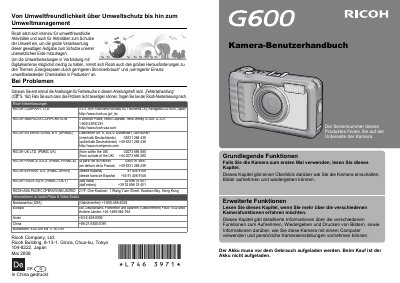
This is a German-language user manual for the Ricoh GR D digital camera. The document provides comprehensive guidance on operating the device, including how to turn it on, take photos, and play back images. It also covers advanced functions such as printing and connecting the camera to a computer.
The manual includes important safety warnings regarding battery usage, electrical interference, and handling liquid crystal leaks from the display. It advises users to read the entire guide before first use and provides contact information for Ricoh support offices in various countries. This manual is written in German.
You should contact the Ricoh branch nearest to you.
Immediately turn off the power supply and remove the battery and memory card.
Rinse the eyes with clean water for at least 15 minutes and seek immediate medical advice.