
This manual introduces the operating methods of LV-7575 projector, including installation, connection, use and maintenance
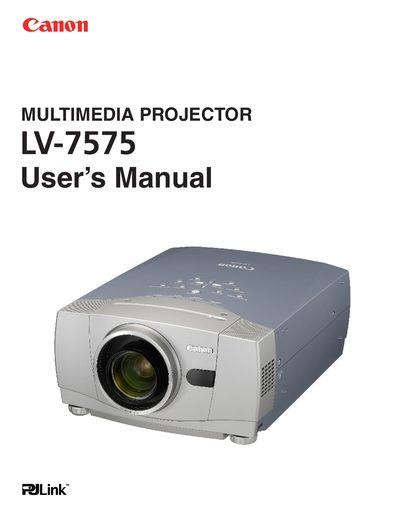
The Canon LV-7575 is a multimedia projector designed to provide convenient features and functions. Proper operation and maintenance are essential to ensure product longevity and prevent malfunctions or hazards such as fire or electric shock.
This document serves as the official User's Manual, detailing safety instructions regarding ventilation, power sources, and environmental conditions. It also includes compliance information for FCC and Canadian regulations, along with specific warnings about mercury disposal in the lamp.
You must clean the air intake vents, air filters, and top of the projector periodically with a vacuum cleaner to prevent dust from blocking the cooling function.
You must maintain at least 1 meter (3.3 feet) of clear space on the sides, top, and rear to allow for air circulation.
Read the manual again, check operations and cable connections, try solutions in the Troubleshooting section, and contact the dealer or service center if the problem persists.