
This manual describes how to use roadyXT in home and vehicle
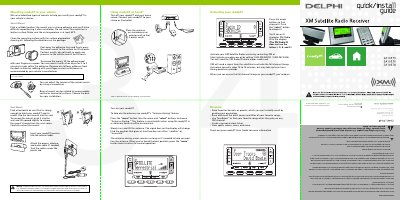
This guide provides installation instructions for the Delphi roadyXT XM Satellite Radio Receiver (models SA10175, SA10176, and SA10178). It details the setup of two types of vehicle mounts: a swivel mount for adhesive installation and a vent mount for air vents. The document also covers connecting the receiver to the vehicle's audio system using cassette adapters, wired connections, or wireless FM transmitters.
| XM Radio ID format | 8-character XM Radio ID |
|---|---|
| Antenna Aiming feature | Requires at least two bars |
| Preset capacity | Up to 30 presets |
| Memory capacity | Up to 20 artist names or song titles |
Contact XM at http://activate.xmradio.com or by calling 1.800.XM.RADIO (1.800.967.2346) with your XM Radio ID and a major credit card.
Activation normally takes 10 to 15 minutes, but may take up to an hour during peak busy periods.