
Key facts
- Brand
- Delphi
- Model
- SA10175
- Industry
- Electronics
- Documents
- 2
- Languages
- EN
- Last added
- 2012-07-06
Start here
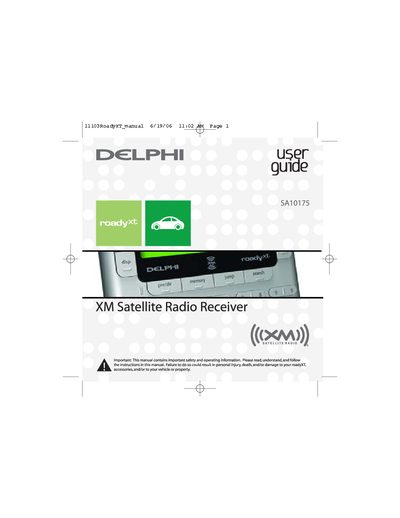
DELPHI SA10175 XM Satellite Radio Receiver user guide
The Delphi roadyXT is a versatile satellite radio receiver designed for use in vehicles or at home. It features a built-in FM transmitter to broadcast XM programming on your vehicle's standard FM radio and includes exclusive Info Extras and Stock Ticker services. The device offers multiple display modes, channel selection options including TuneSelect™ alerts, and the ability to personalize settings like screen color and audio levels.
Read onlineDelphi SA10175 specifications
| XM Radio ID format | 8-character XM Radio ID |
|---|---|
| Antenna Aiming feature | Requires at least two bars |
| Preset capacity | Up to 30 presets |
| Memory capacity | Up to 20 artist names or song titles |
Source: Delphi SA10175/10176/10178 XM Satellite Radio Receiver Installation Guide
All Delphi SA10175 documents by type
Day-to-day operation, settings and troubleshooting. Start here if the product is already set up.
Mounting, wiring and first power-up. Read it before the hardware goes in.
Questions answered in these manuals
How do I activate my XM Satellite Radio service?
Contact XM at http://activate.xmradio.com or by calling 1.800.XM.RADIO (1.800.967.2346) with your XM Radio ID and a major credit card.
From: Delphi SA10175/10176/10178 XM Satellite Radio Receiver Installation Guide
How long does XM activation take?
Activation normally takes 10 to 15 minutes, but may take up to an hour during peak busy periods.
From: Delphi SA10175/10176/10178 XM Satellite Radio Receiver Installation Guide
How do I activate my XM Satellite Radio service?
You must contact XM at http://activate.xmradio.com or call 1.800.XM.RADIO with your XM Radio ID and a major credit card.
How long does the activation process take?
Activation normally takes 10 to 15 minutes, but may require up to an hour during peak busy periods.