
This document is the user manual for 11103RoadyXT device, which introduces the use of the device and precautions.
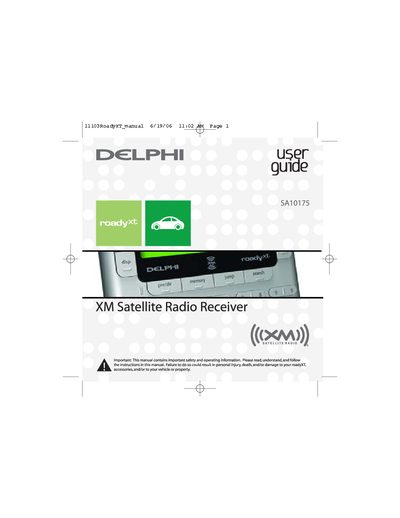
The Delphi roadyXT is a versatile satellite radio receiver designed for use in vehicles or at home. It features a built-in FM transmitter to broadcast XM programming on your vehicle's standard FM radio and includes exclusive Info Extras and Stock Ticker services. The device offers multiple display modes, channel selection options including TuneSelect™ alerts, and the ability to personalize settings like screen color and audio levels.
You must contact XM at http://activate.xmradio.com or call 1.800.XM.RADIO with your XM Radio ID and a major credit card.
Activation normally takes 10 to 15 minutes, but may require up to an hour during peak busy periods.
No, the FCC and FAA have not certified the Delphi XM roadyXT Satellite Radio Receiver for use in any aircraft.