
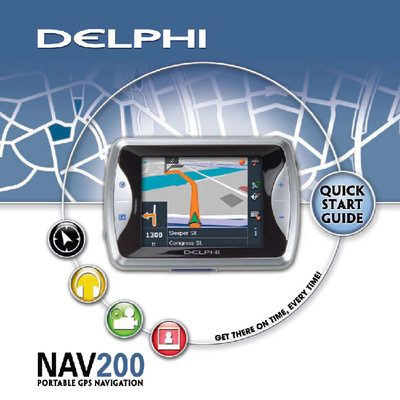
The Delphi NAV200 Quick Start Guide provides essential safety warnings, mounting instructions, and an overview of the device’s main features. It explains how to install the unit safely, avoid driver distraction, and comply with local traffic laws.
The guide also walks users through basic operation such as selecting navigation, music, movie, picture, and other functions, as well as using the world clock, picture viewer, and game features. It includes brief troubleshooting tips for GPS signal acquisition and file‑format support.
| Storage capacity | 1.5 GB |
|---|---|
| Preloaded maps | USA and Canada |
| Supported SD cards | Transcend, Kingmax, Kingston |
| Headphone jack | Present |
| Power control | Power ON/OFF button |
| Touch screen input | Stylus compatible |
| Traffic information | TMC‑RDS |
| Antenna type | Flip‑up antenna |
No – the guide explicitly states not to operate the navigation system while the vehicle is moving.
It can take 2–5 minutes for the system to capture a GPS signal.
The picture viewer can display JPG, GIF, and PNG files.
The device comes with maps of the United States and Canada preloaded on the SD card.