
This document provides instructions on how to use SKYFi3 at home, including connecting it to a home stereo and setting up antenna aiming.
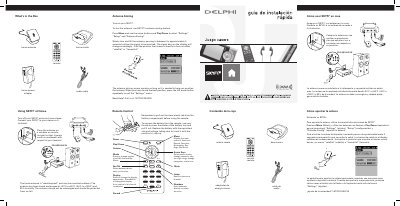
This guide provides quick installation steps for the Delphi SKYFi3 Home Kit. It details how to connect the home cradle and antenna to a stereo system and explains the optimal placement of the weatherproof antenna on an exterior wall or window, ensuring it points south or southwest.
The document also covers the operation of the included remote control. Instructions include removing the battery tab, navigating the menu for functions like recording and favorites, using the antenna aiming feature to maximize signal reception, and switching between Live XM, Aux, and My Music modes.
Place the antenna on a window or exterior wall so that it points south or southwest with respect to your location.
Press Menu, select Settings/Setup/Antenna Aiming, then slowly turn and tilt the antenna pausing for 5 seconds until at least four bars appear on the display.