
This manual contains important safety and operating information. Please read and follow the instructions in this manual. Failure to do so could result in personal injury, death, and/or damage to your Roady2 and/or to your vehicle.
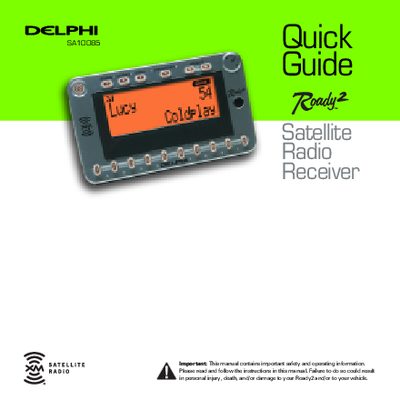
This document serves as a quick guide for the Delphi XM Roady2 satellite radio receiver. It explains how to operate the unit, including turning it on and off manually, and describes the four different display options available. The guide details how to use the Menu button and Tuning Wheel to navigate through settings and options.
| Preset Banks Capacity | 10 channels per bank |
|---|---|
| Stock Tracking Limit | 20 stocks |
| Menu Timeout | 8 seconds |
Press and hold the Tuning Wheel in for 2 seconds while listening to a song you want to save.
Press the Preset/Direct button until 'Direct Entry' displays, then use the number keys to enter the channel number.
The menu will time out and return to the normal display after approximately 8 seconds.