
Delphi XM Roady2 Satellite Radio Receiver User Guide, introduces the product's usage methods, precautions, etc.
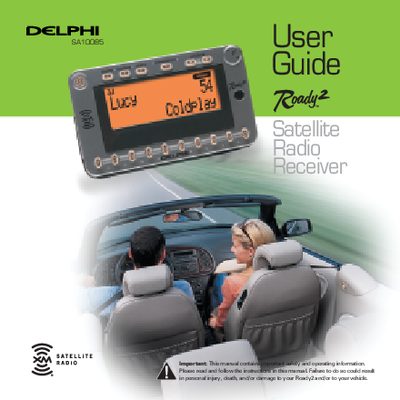
The Delphi SA10085 Roady2 is a portable satellite radio receiver that provides access to over 120 XM Satellite Radio channels. It features an integrated wireless FM modulator for use with car or home radios and a stock ticker for tracking up to 20 favorite stocks. The device is designed to be the smallest and lightest satellite radio receiver available, allowing users to simply plug it in and go.
| Dimensions | 3.9 in. W x 2.4 in. H x 0.7 in. D (100 mm x 60 mm x 18 mm) |
|---|---|
| Weight | 3.4 oz. (97g) |
| Power Input | 6V DC, 600 mA average |
| Antenna Input | RF SMB connector |
| Preset Capacity | 30 preset channels |
Contact XM at http://activate.xmradio.com or call 1-800-852-9696 with your XM Satellite Radio ID number.
The FCC ID for the Delphi XM Roady2 Satellite Radio Receiver is RS2SA10085.
No, the device has not been certified for use in any aircraft, and Delphi cannot support this type of application.
The receiver can store up to 30 preset channels organized into three groups (Preset A, B, and C).