
The Delphi XM® Roady™ Satellite Radio Receiver allows users to access over 100 XM Satellite Radio channels. It must be used with the included connecting devices for maximum performance and safety.
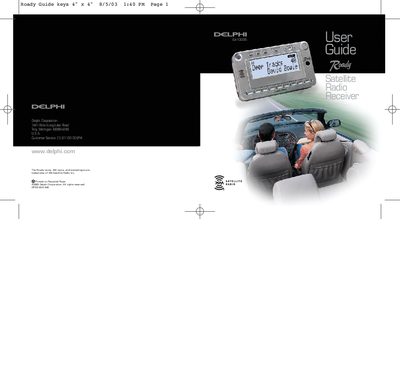
The Delphi XM Roady Satellite Radio Receiver (Model SA10035) provides access to over 100 XM Satellite Radio channels of music, news, and information. To begin using the device, users must first set up the receiver kit and activate their XM subscription service online or by phone.
| Number of XM channels | over 100 |
|---|---|
| Preset storage capacity | 30 preset channels |
| Memory limit for artist/song titles | 15 different entries |
Contact XM at http://activate.xmradio.com or call 1-800-852-9696 with your credit card and XM Satellite Radio ID number.
No, the device is not certified for use in any aircraft and Delphi cannot support that application.
You can store up to 30 preset channels, organized into three groups (Preset A, B, and C) of 10 channels each.