
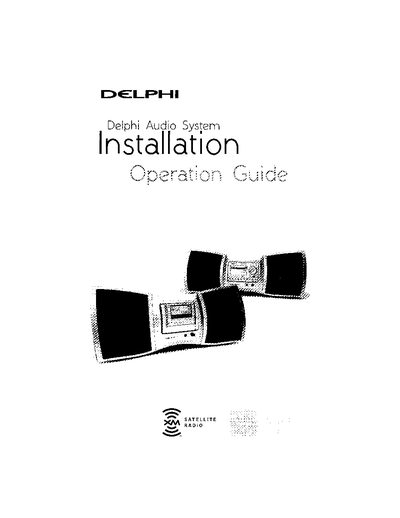
This manual provides instructions for setting up the Delphi SA10201 Audio System, including connecting the power adapter and installing the XM antenna. It details how to use the system with optional SKYFi/SKYFi2 or roadyXT satellite radio receivers by inserting them into the provided cradle. The guide also explains how to optimize the antenna signal for best reception.
| Power Input | 12V DC |
|---|---|
| Battery Type | Six "D" size (R20) batteries |
| Antenna Cable Length | 20 feet |
Insert the receiver into the cradle by pressing the back of the inset cradle, tilting it forward, sliding the receiver down until alignment tabs line up, and pushing the top center until it clicks.
Check that the antenna connection is secure and completely pushed in. If the message remains, power down, unplug the antenna, check for damage, reconnect, and turn the unit back on.
Yes, you can use six "D" size (R20) batteries to listen to XM outdoors or in locations without access to an AC power source.