
This is an instruction manual that introduces the features and characteristics of the Polk Audio Designs™ SIRIUS Satellite Radio SR-H1000 Home Tuner, including functions and operation methods.
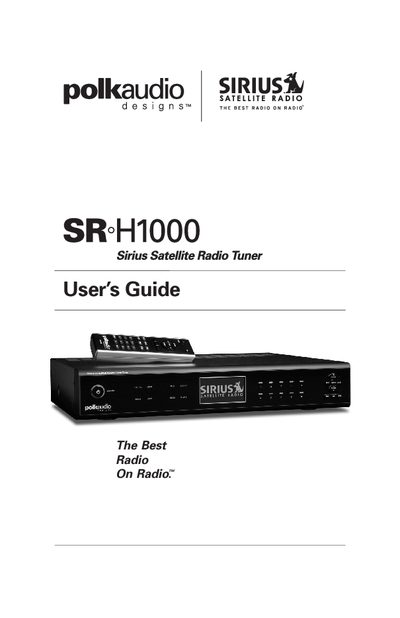
The document is a comprehensive user manual for the Polk Audio Designs SR-H1000 Sirius Satellite Radio Home Tuner. It provides instructions on unpacking the unit, installing the antenna and connecting audio cables, and setting up the device for use with a Sirius subscription.
The guide details how to operate the tuner using the front panel controls and remote control, including features like channel searching, direct tuning, and preset management. It also covers advanced settings such as parental controls, alarm programming, and troubleshooting common issues.
| Product Type | Sirius Satellite Radio Home Tuner |
|---|
It is a Sirius Satellite Radio Home Tuner that lets you enjoy digital entertainment in your own home.
You must flush the eye with clean water for at least 15 minutes and then seek medical care.
Wipe the area with a cloth and then wash it thoroughly with soap and running water.