
The Sirius ASL120 fan user manual provides installation steps, wiring instructions, lighting controller usage, and troubleshooting tips.
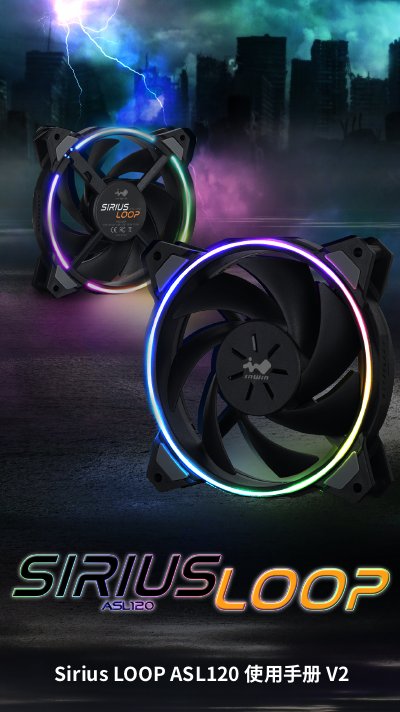
The manual introduces the Sirius LOOP ASL120 fan, a fully black fan with programmable RGB LED lighting and a dual‑ring effect. It lists the package contents, including the fan units, an ARGB controller and mounting screws.
Detailed installation instructions cover connecting the ARGB and PWM cables to the motherboard, mounting the fan in a PC case, and using the ARGB controller when the motherboard lacks ARGB support. The guide also includes safety warnings, troubleshooting steps, and a full specification table. This manual is written in Chinese.
| Dimensions | 120 x 120 x 25 mm |
|---|---|
| Rated Voltage (Fan) | 12 V |
| Rated Power (Fan) | 1.2 W |
| Rated Voltage (ARGB) | 5 V |
| Speed Range | 500~1800 RPM |
| Static Pressure | 1.67 mm H₂O |
| Noise Level | 27 dB(A) Max. |
| Bearing Type | Long‑life oil sealed bearing |
Use the included ARGB controller: connect the controller to a SATA power source and the ARGB cable to the controller, then select a lighting mode.
First verify that the power switch is on, then check that all cables and connectors are properly seated.
The controller offers 14 built‑in lighting modes, such as rainbow, single colors, and flowing effects.