
This manual describes the features and functions of the Stratus 6, including vehicle installation, activation, and use.
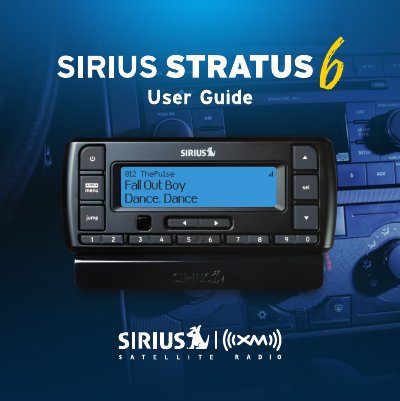
The document serves as a comprehensive user guide for the SIRIUS XM Stratus 6 portable satellite radio. It details the features of the device, including its display capabilities, channel selection options like A La Carte programming, and special functions such as One-Touch Jump for traffic and weather updates.
A significant portion of the manual is dedicated to vehicle installation. It provides step-by-step instructions for mounting the unit using various methods (vent mount, dash mount, magnetic antenna) and connecting it via the PowerConnect Vehicle Dock or an auxiliary input cable. The guide also covers activation procedures, navigation basics, audio settings, parental controls, and a troubleshooting section.
| System Power Requirements | 9-16 V DC, 500 mA (max) |
|---|---|
| Operating Temperature | -20°C to +60°C (-4°F to +140°F) |
| Audio Output | 1.0 Vrms (max) |
| Stratus 6 Radio Dimensions | 115 mm x 48 mm x 17 mm |
| Weight | 66 g (2.3 oz) |
The device should be operated between -20°C and +60°C (-4°F to +140°F).
You can save and enjoy fast access to up to 10 of your favorite channels.
No, vehicle installation and radio configuration functions should not be performed while driving; you must park in a safe location first.