
This Quick Start Guide provides instructions for using the XM SkyDock, a free in-car receiver.
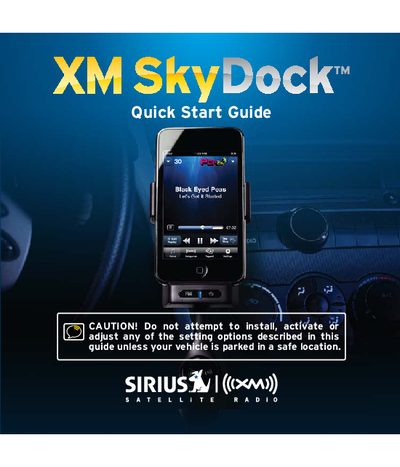
The XM SkyDock is a satellite radio dock designed for use with iPhone (3G, 3GS) and iPod touch models. It allows users to enjoy commercial-free music, live sports, news, talk, and entertainment by connecting the device to their vehicle's audio system via an auxiliary input or PowerConnect FM transmitter feature.
To get started, users must download the free XM SkyDock App from the App Store or iTunes. The guide details how to install the magnetic mount antenna on the vehicle windshield or hood, insert the iPhone or iPod touch into the dock, and activate the service online or by phone. Finally, it explains how to connect the audio output to the vehicle stereo for playback.
The device is made for iPod touch (1 and 2nd Generation), iPhone 3GS, iPhone 3G, and requires iPhone OS 3.0 or later.
Activation usually takes 10 to 15 minutes, but may take up to an hour.