
This quick start guide shows how to set up the Acer AH501S/AH501P mixed reality headset, connect cables, controllers, headphones, and includes safety…
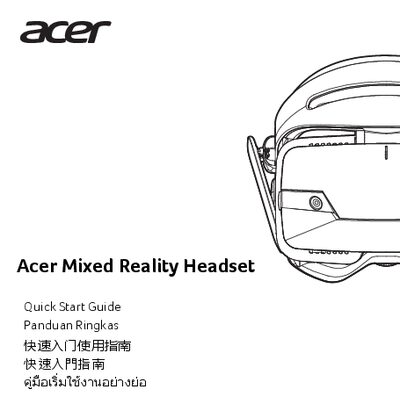
The guide walks you through connecting the HDMI and USB cables, running the setup app, pairing controllers, assembling the supplied headphones, and adjusting the IPD using Acer's IPD Meter and Indicator. It also explains how to use the tutorial and configure the headset for room‑scale or seated use.
Important health and safety information is provided, covering medical warnings, recommended breaks, safe play area setup, and environmental limits such as operating temperature and humidity. Follow these precautions to avoid injury and ensure reliable operation.
| Operating temperature | 5 °C to 35 °C |
|---|---|
| Non‑operating temperature | -20 °C to 60 °C |
| Operating humidity | 20 % to 80 % |
| Non‑operating humidity | 20 % to 60 % |
| Required OS version | Windows RS4 Update |
Connect the HDMI and USB connectors to your computer, then the setup app will start automatically.
Take at least a 10‑to‑15 minute break every 30 minutes of use.
Download the Acer IPD Meter and Acer IPD Indicator, then turn the knob at the bottom of the headset to set the measured IPD.
Read the Important Healthy and Safety Information, keep the play area clear, avoid using the device while tired or under the influence, and follow the recommended break schedule.